Description
Check user NFT authentication control (non-fungible token, erc-721 and erc-1155) ownership. Perfect for blocking users access to a Page, a Post and a WooCommerce Product page, if they don’t own a certain NFT token.
Or just install the EthPress Web3 Login WordPress Plugin plugin first, and then install the addon from the Settings > EthPress > Add-Ons page.
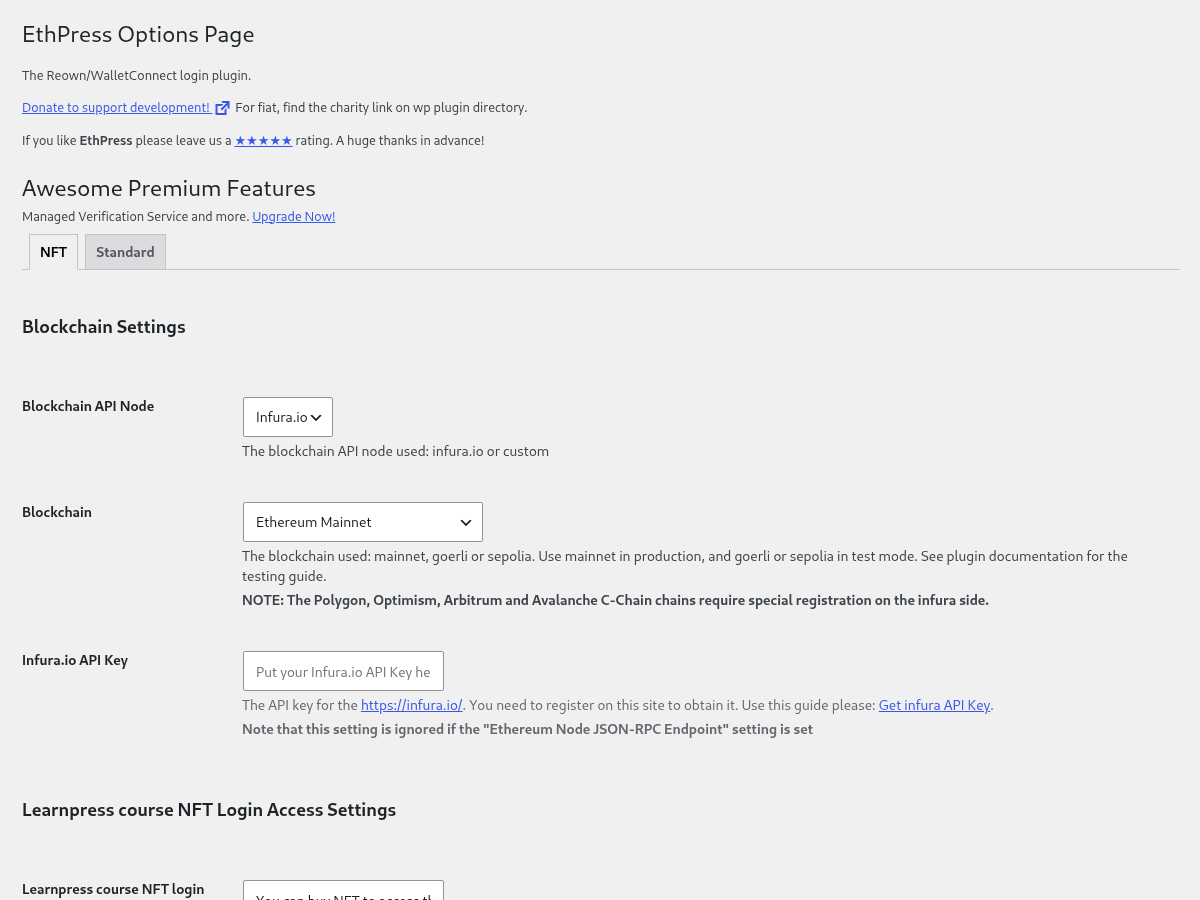
Version 2.0.0 requires EthPress 3.2.0 or newer and ships the same gates as 1.6.11 — the settings tab, the meta box, the shortcode and the LMS integrations.
Adds Ethereum NFT integration with WooCommerce products, via EthPress.
Start off by configuring this add-on in your WordPress admin by inputting your,
- Infura.io API key.
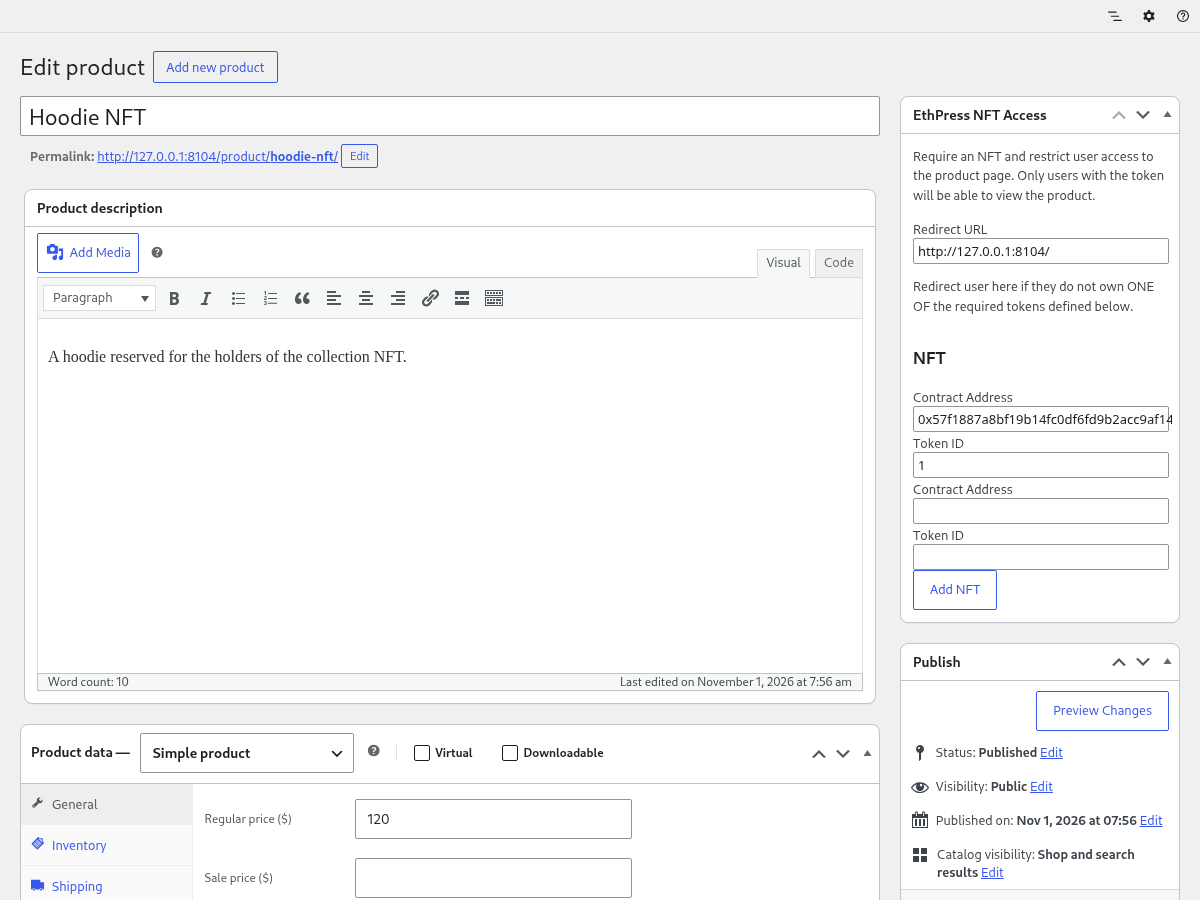
- Your tokens’ contract addresses and ids on the WC Product pages, in the EthPress NFT Access box.
It can be a valuable addition to your crypto selling store with the Cryptocurrency WordPress Plugin for WooCommerce!
Features
- Site wide NFT verification requirement to register or login
- Restrict access to a
Pageto some NFT token owners only - Restrict access to a
Postto some NFT token owners only - Restrict access to a WooCommerce
Productto some NFT token owners only - Shortcode to display your access level:
[ethpress_nft_access_addon_nft product_id="1337"] ERC721andERC1155non-fungible token standards are supported- Custom/private blockchain feature:
Ethereum Node JSON-RPC Endpointand other related settings to use Binance Smart Chain (BSC), Polygon (MATIC) and any other EVM compatible blockchain - Scaling hundreds of NFTs can be configured and checked almost instantly for supported networks: mainnet, goerli, sepolia, polygon, mumbai, bsc, bsctest.
Integrations
LearnPress LMS
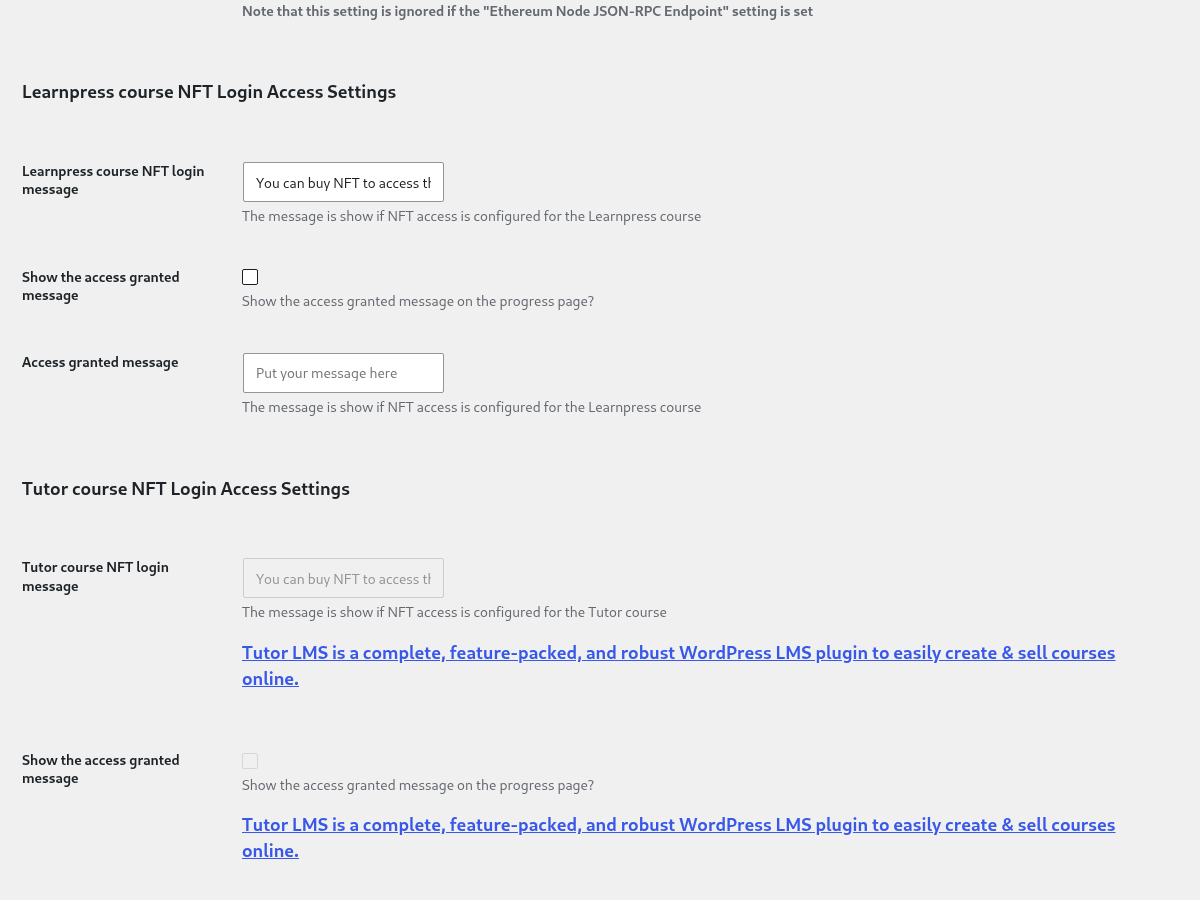
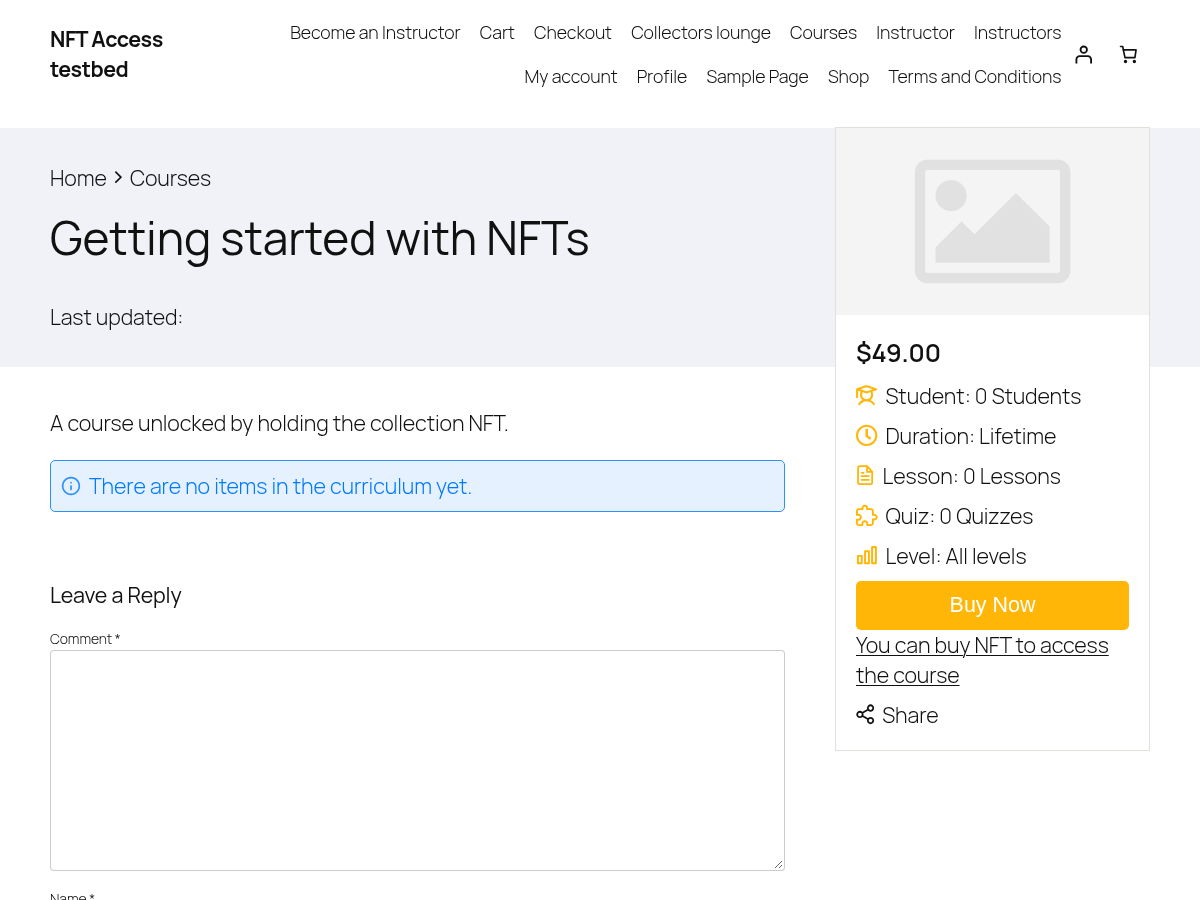
LearnPress LMS courses access can be granted with NFT token
Tutor LMS
Tutor LMS courses access can be granted with NFT token
WordPress Ethereum Wallet plugin
Ethereum Wallet plugin generated accounts are also tested
The ethpress_nft_access_get_user_accounts filter can be used to add wallets for testing:
    add_filter('ethpress_nft_access_get_user_accounts', function($accounts) {
        $more_accounts = get_more_accounts();
        return array_merge($accounts, $more_accounts);
    });
Installation – NFT Access Control Authentication WordPress Plugin
- Install and activate it as you would any other plugin.
- Make a new WooCommerce product and configure NFT token address and (optionally) ID with redirect URL for non-owners.
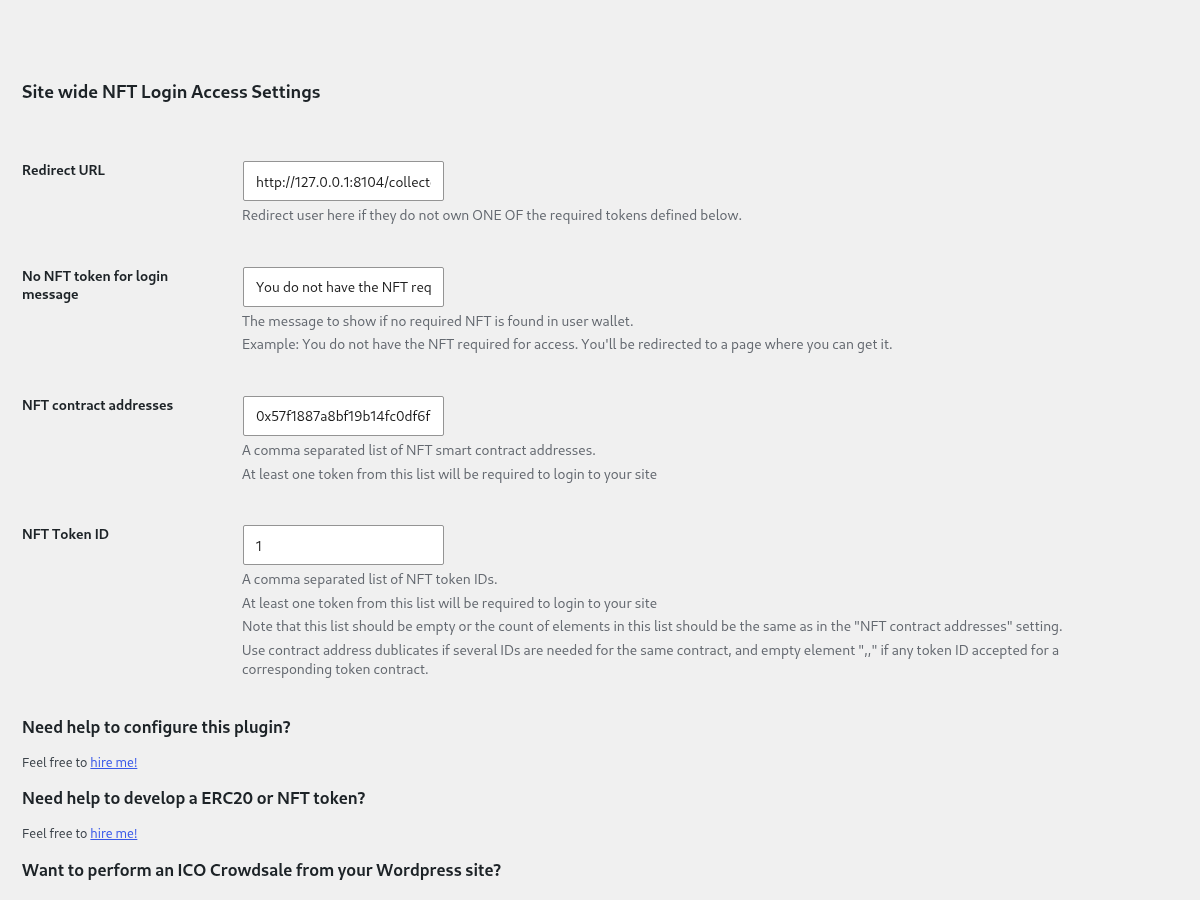
Site wide restrictions
Site wide register and login restriction can be configured to limit access to the whole site to some NFT token owners only.
l10n
This plugin is localization ready.
Languages this plugin is available now:
- English
Feel free to translate this plugin to your language.
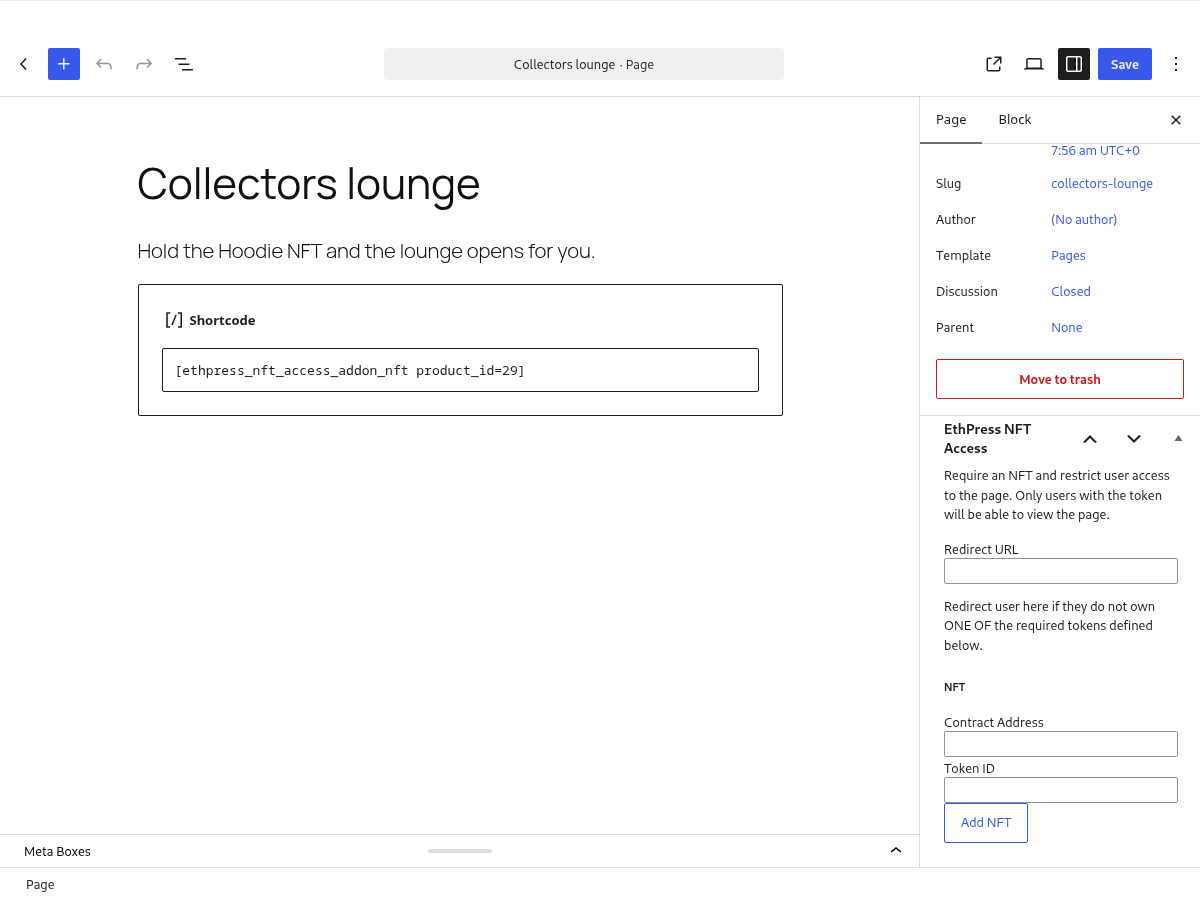
Pages and posts
The same restriction applies to a page or a post: the box sits in the editor, and a visitor who does not hold the token is redirected before the content is rendered.
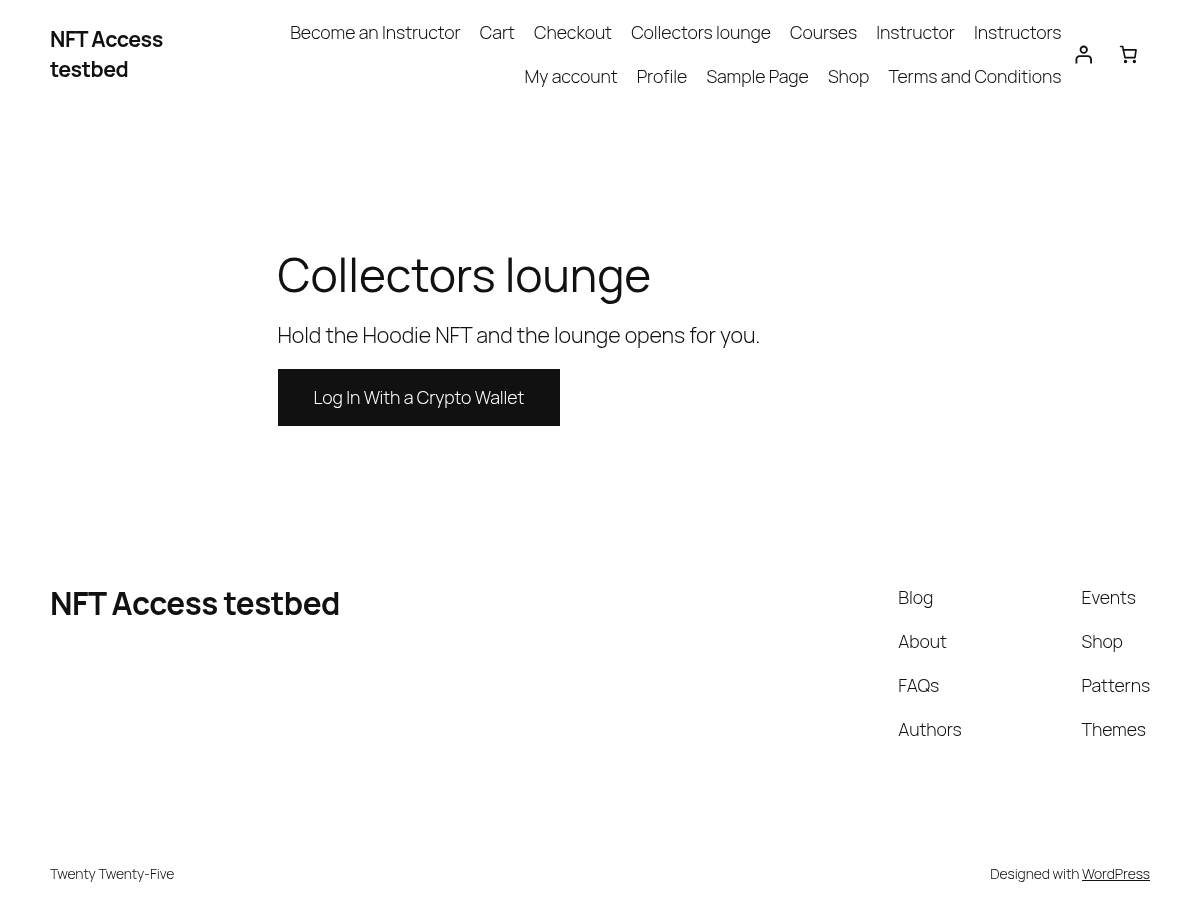
Shortcode
The [ethpress_nft_access_addon_nft product_id="1337"] shortcode prints the call to action for one product, in whatever state the visitor is in.
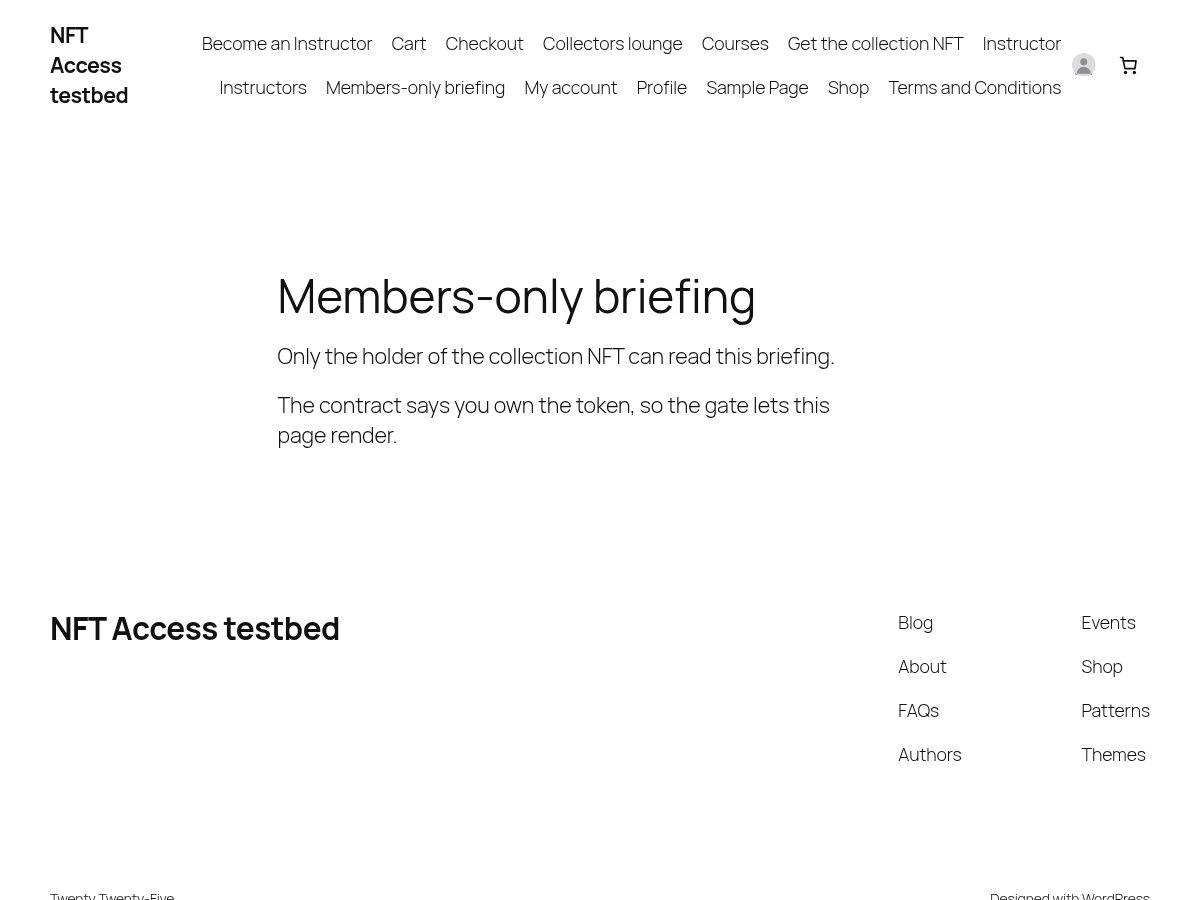
Access granted
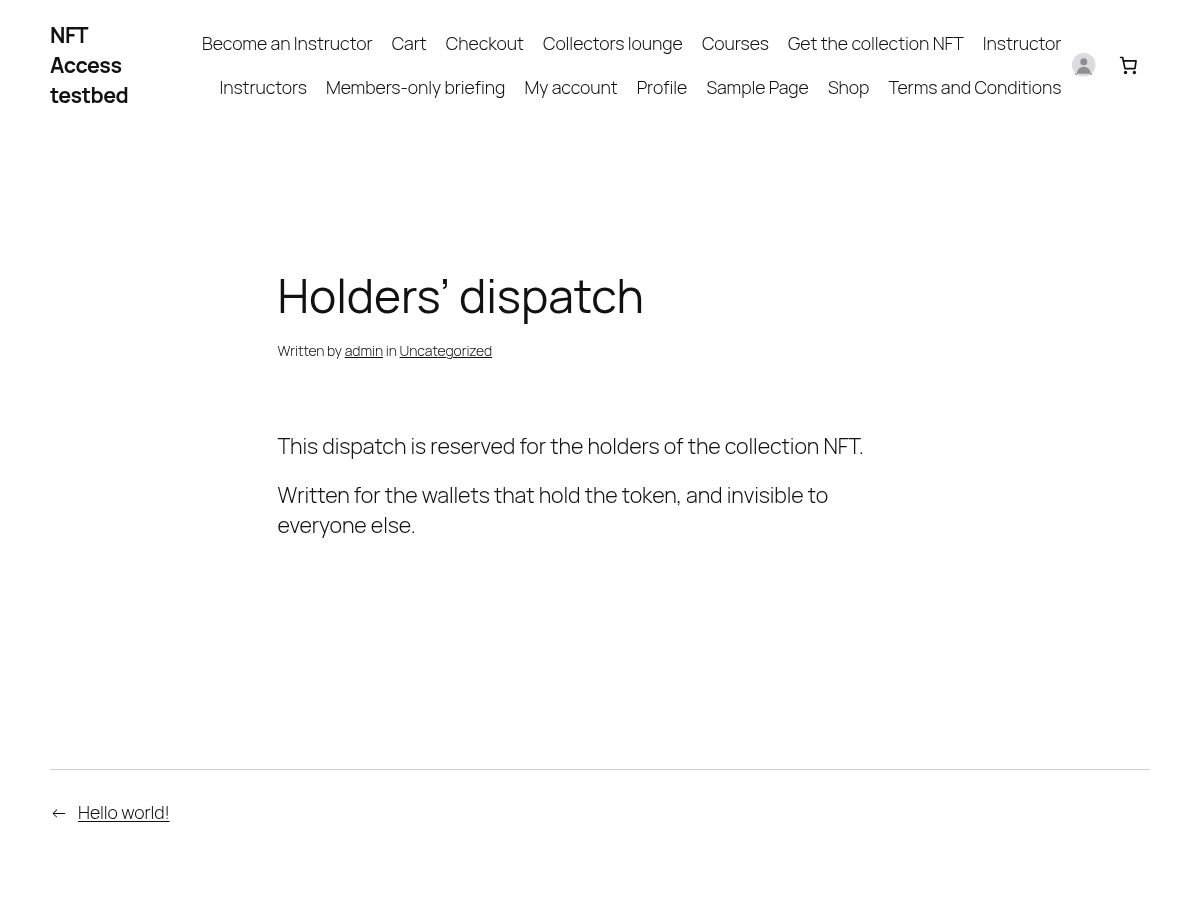
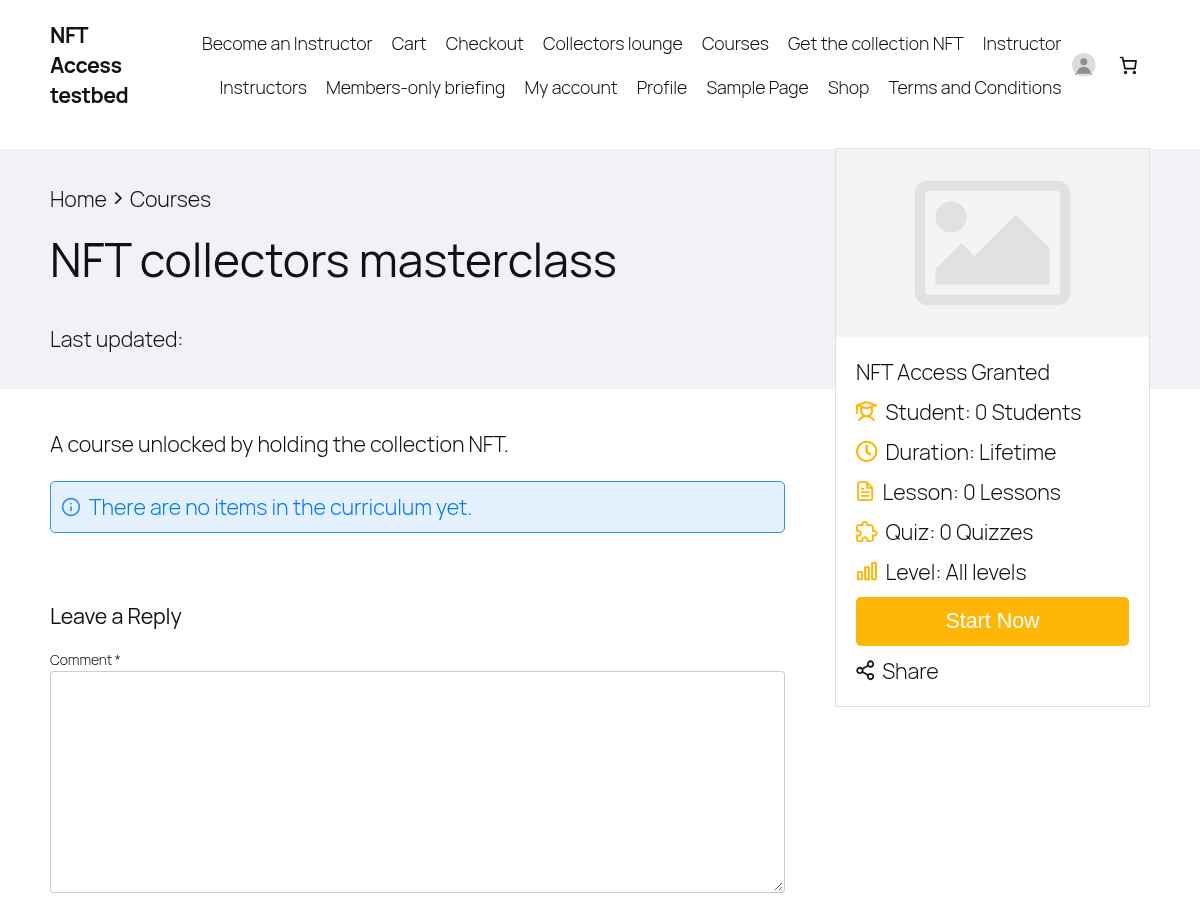
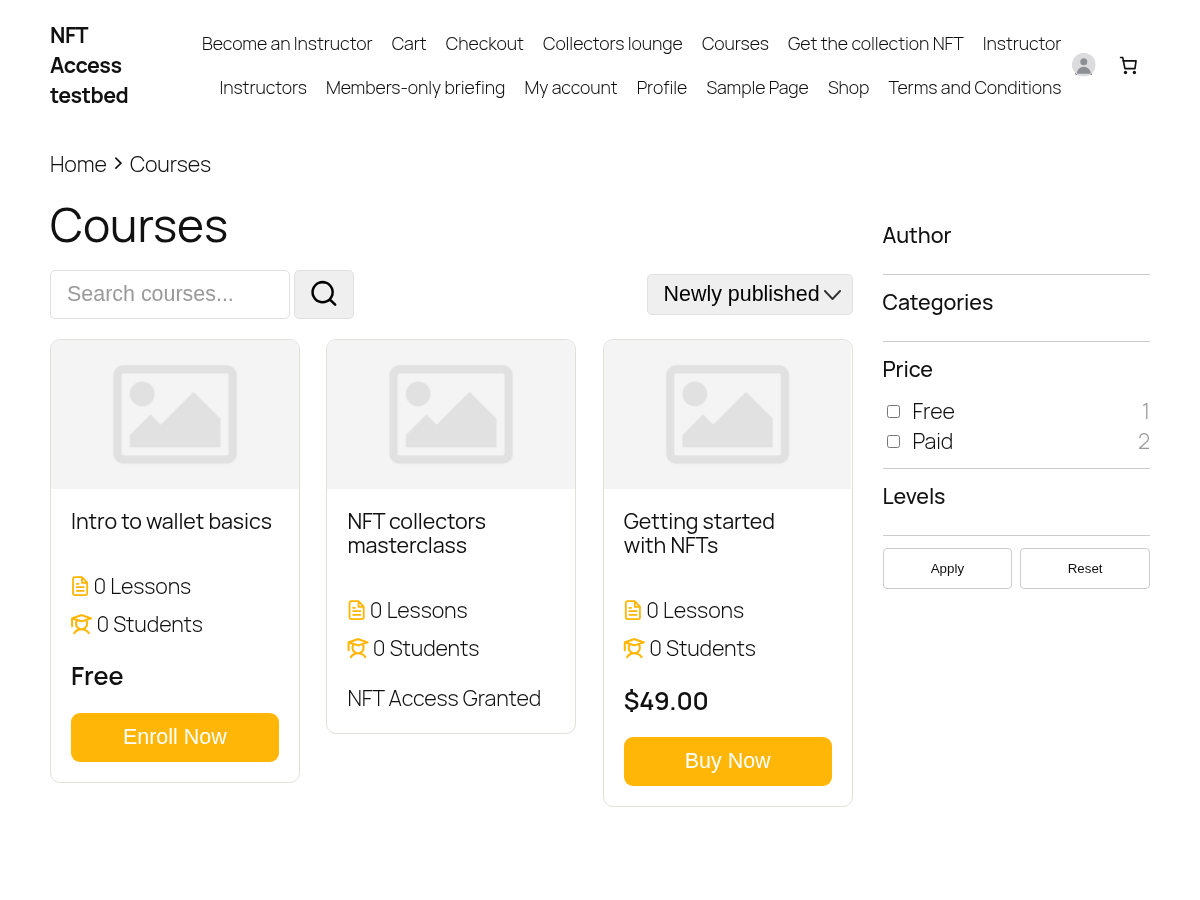
When the wallet holds the token, the same URL renders its content instead of redirecting. The four frames below are taken as a real token holder: an anonymous visitor is sent away from both gated URLs, and the holder gets the page and the post; the paid LearnPress course shows the “NFT Access Granted” message in place of the price for the same wallet, and a visitor sees the ordinary price; and in the course list the course the wallet can already open is marked as such, while the course next to it is not.



Reviews
There are no reviews yet.